

Contact form
Receive inquiries directly from the site.
Vivd builds the pages about your services, prices and location. The booking itself goes through a request form or the booking tool you already use.
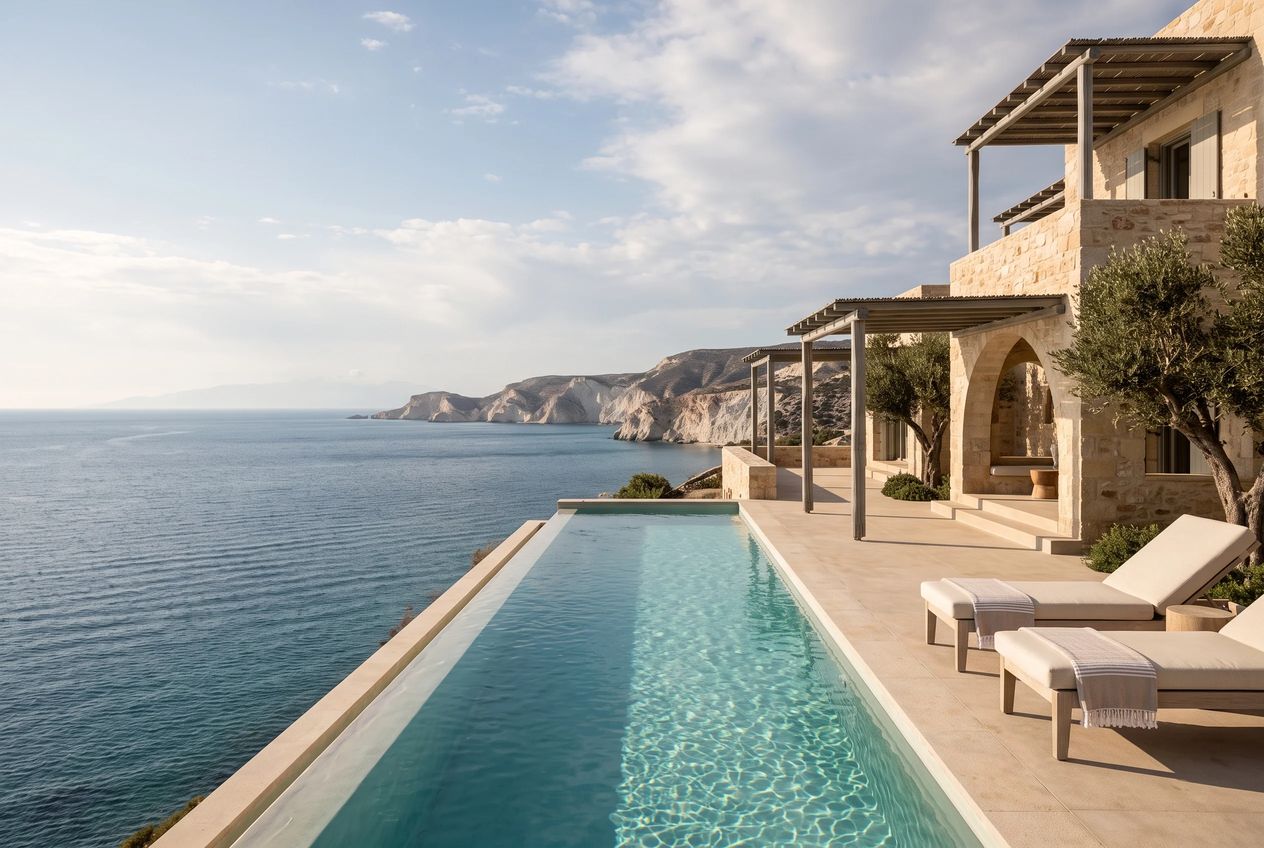
Milos, Greek Islands
Salt on your skin. Sun on the stone.
A little closer to doing nothing.
Plugins
Contact form
Receive inquiries directly from the site.
Analytics
Track visits, clicks, and contact conversions.
Connected to this project
Plugins live on the same project base and can be enabled without moving content into a second system.
Analytics
Traffic rose after the booking CTA moved higher in the hero.
For live availability you keep your booking tool, and the website sends people there. If you hand out appointments yourself, the contact form collects the requests and you confirm them.
Table requests and private parties through the form, or a link to your reservation system.
Classes, teachers and prices, with a button to the schedule in your booking tool.
Treatments, prices and the team, with a link to online appointments if you offer them.
One page per event with the details and a form to sign up.
Booking buttons on the relevant pages lead to the tool you already use.
Booking requests land in your inbox. Pro includes 2,500 submissions a month.
From your description, Vivd writes pages for services, prices, common questions and cancellation terms.
See which pages people read most. The statistics are privacy-friendly.
01
Either customers send a request you answer yourself, or they book directly in your booking tool.
02
Services, prices, location and what customers should know before they come.
03
Go through the preview up to the booking button. If it sits too far down, tell Vivd in the chat.
04
Holiday closures, new classes and price changes go onto the site through the chat.
Every one of them was built and published with Vivd.
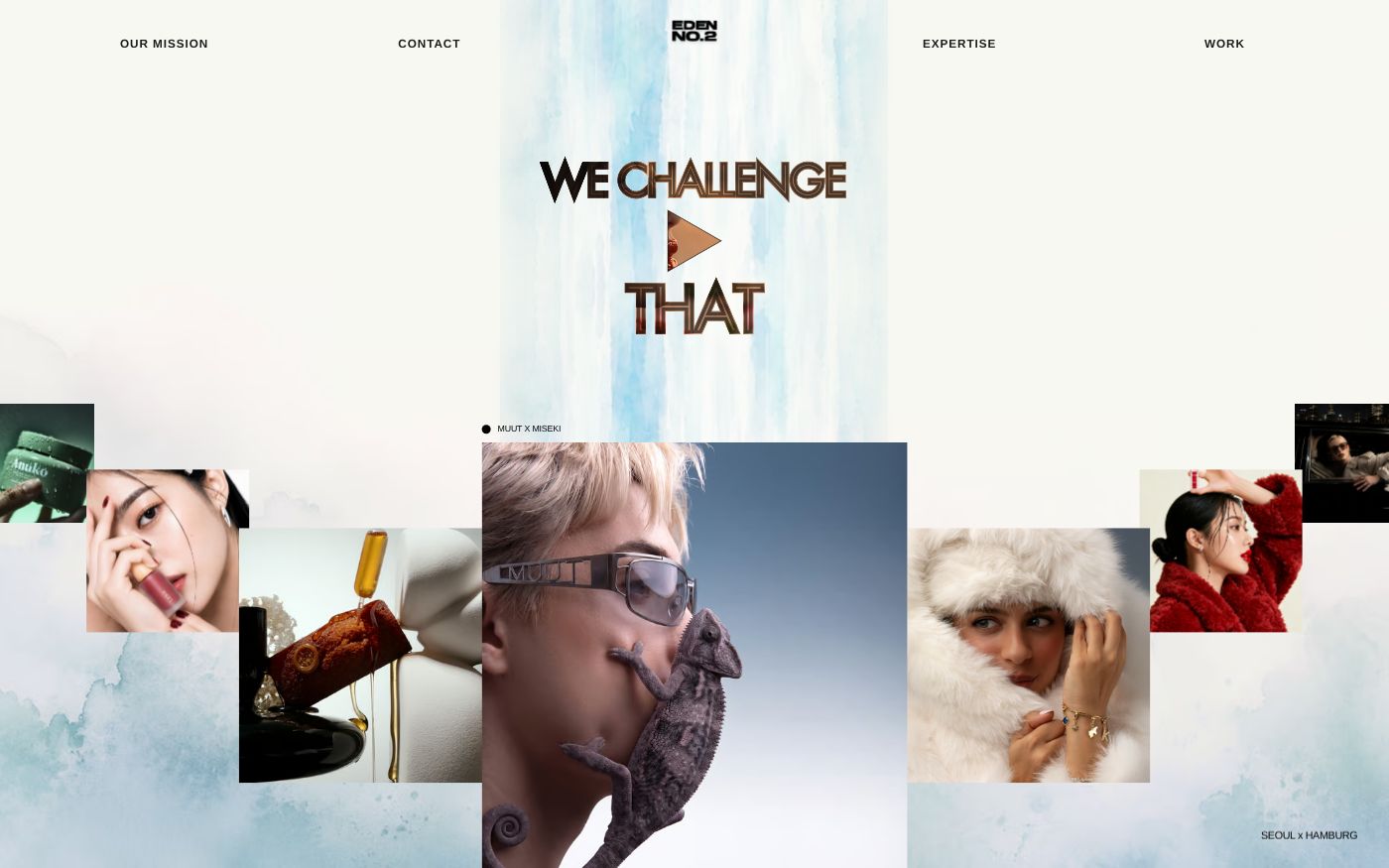
Creative agency
Campaigns, films and photo series in one large gallery.
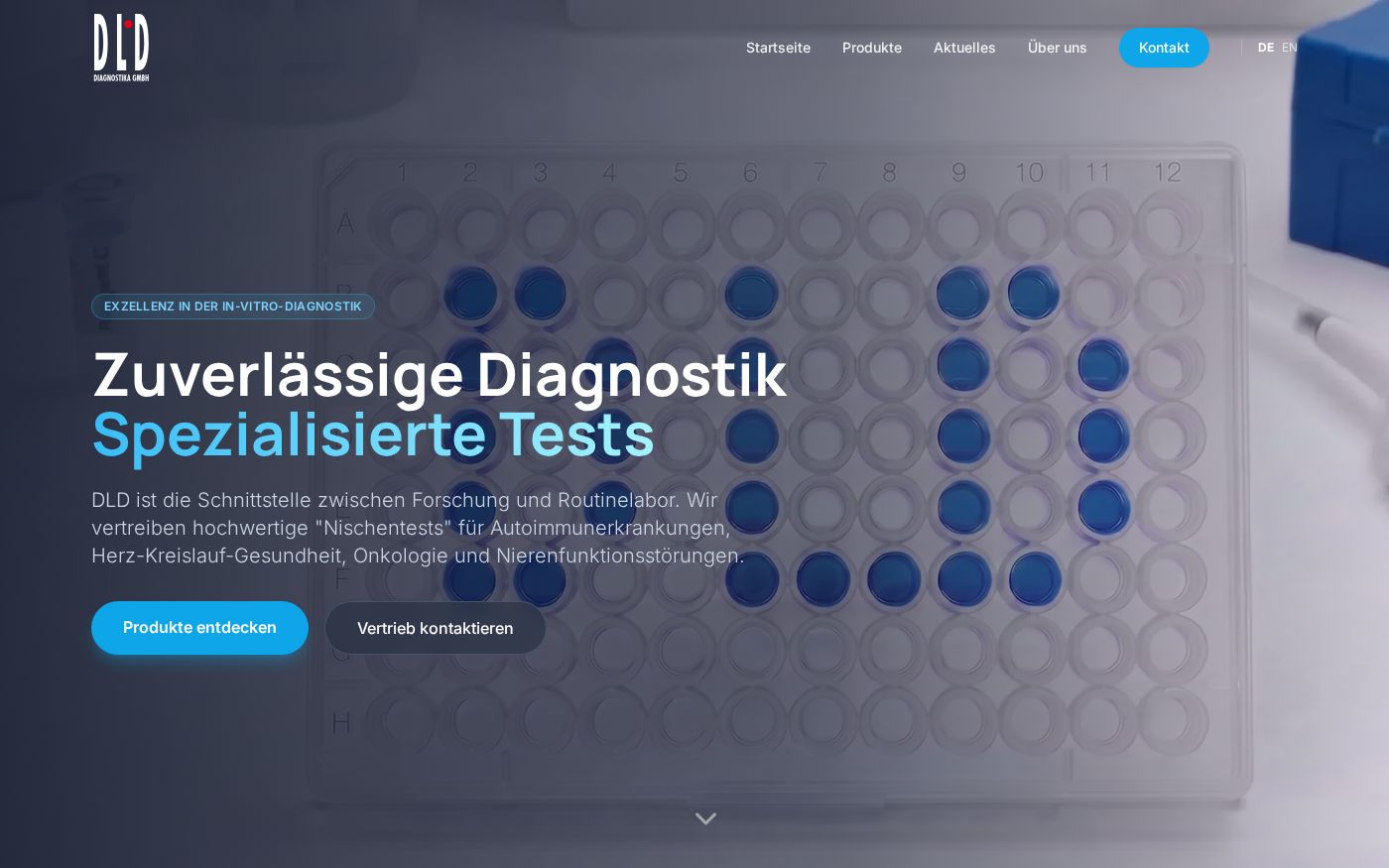
Diagnostics & catalog
Specialist diagnostics with a searchable product catalog.
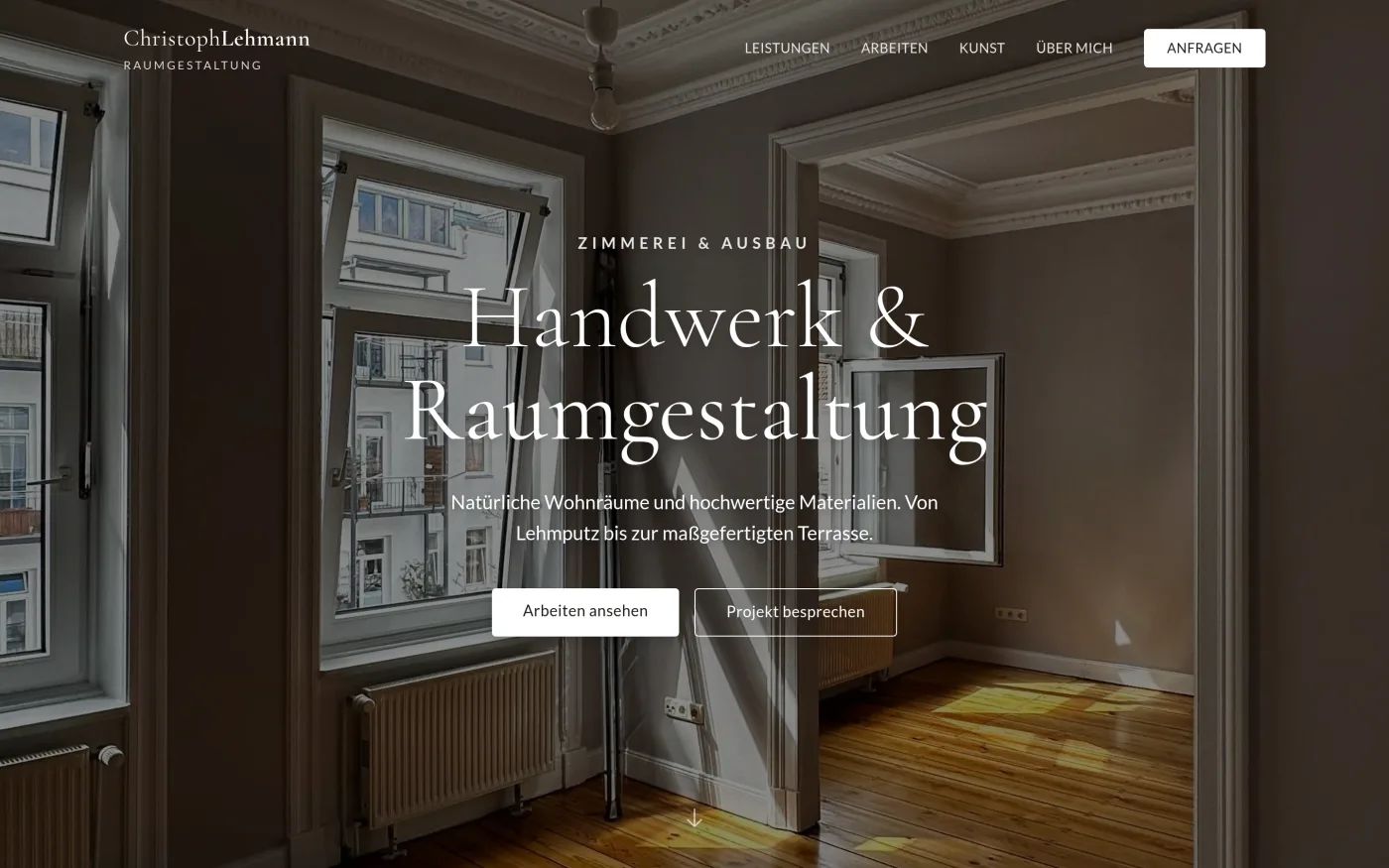
Craft & trade
Services, past projects and a contact form.
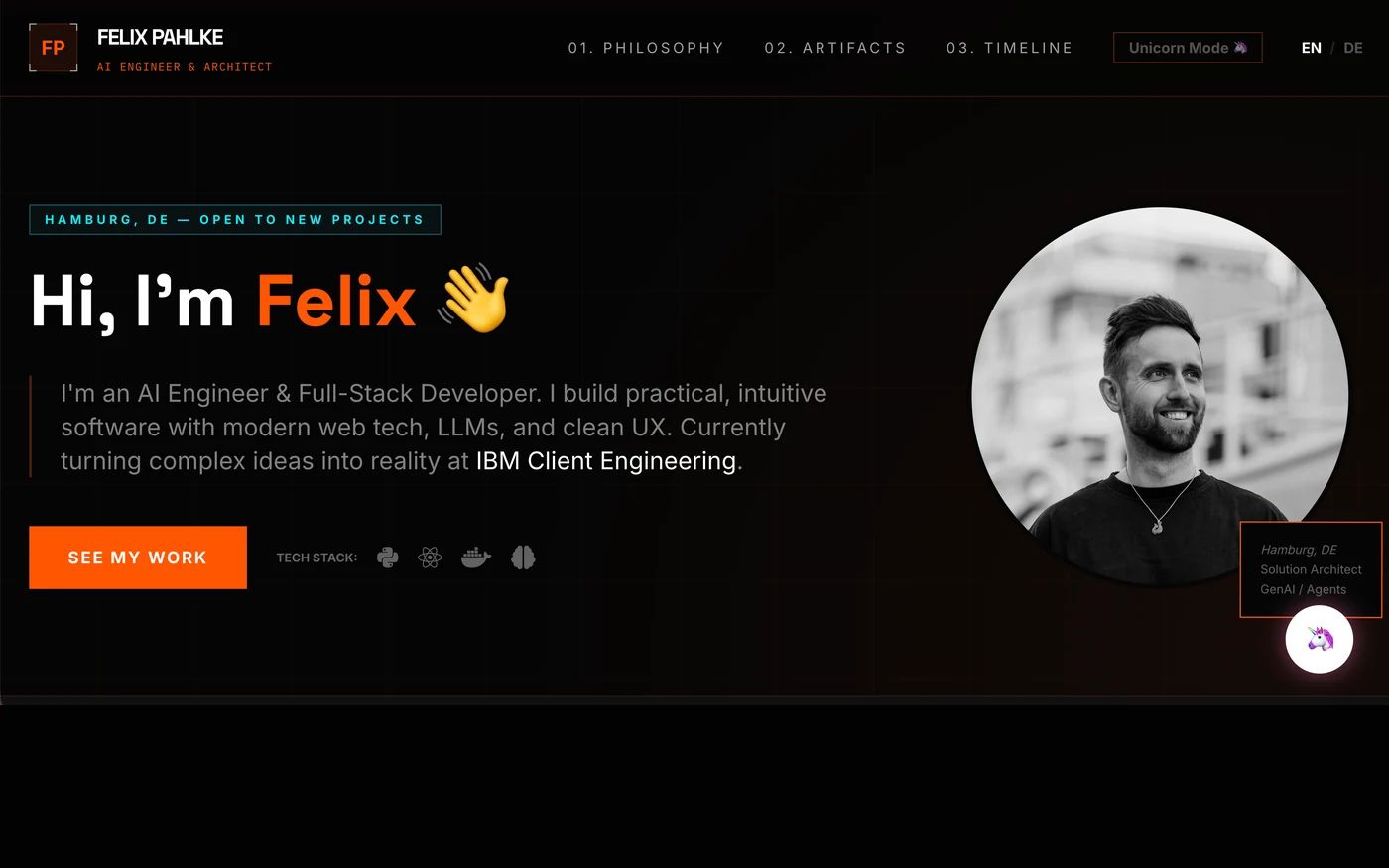
Portfolio
Work, CV and a way to get in touch on one page.
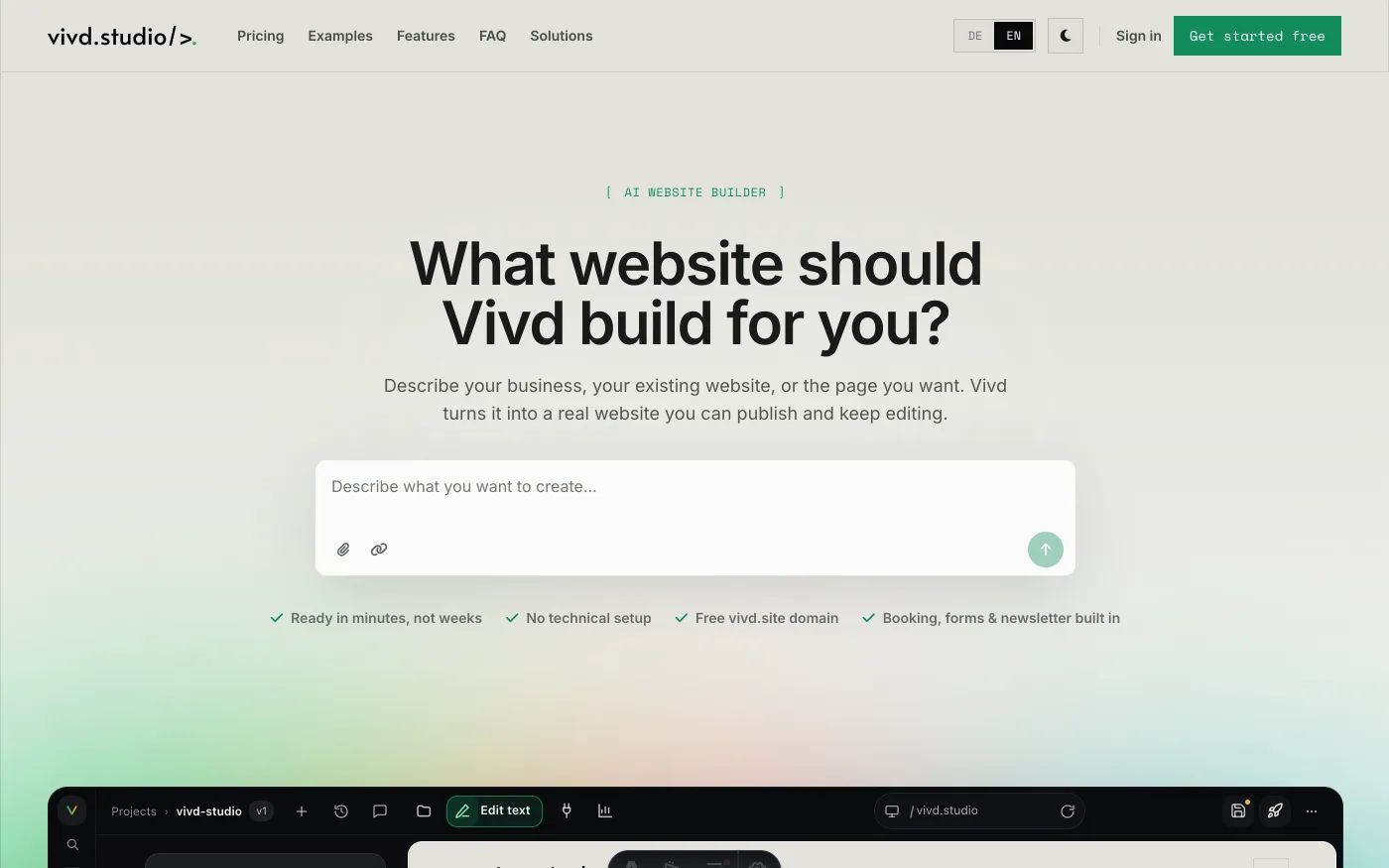
Landing page
The site you are reading. Built and maintained with Vivd.
Build and publish your first site on the Free plan. Pro adds your own domain, the contact form and the newsletter.
Already pay for ChatGPT? Connect it and use it instead of Credits.
Compare plansWe build your website, you edit it yourself, and when something gets stuck, you call us.
€99 per month, excl. VAT · 12-month term, then monthly
Get your website builtFree
$0 per month
For one website on a vivd.site address.
Pro
$25 per month
or $20.83 per month, billed yearly
Yes. Vivd builds the site around your booking step: a contact form whose requests land in your inbox, or buttons to the booking tool you already use.
No. Vivd has no calendar and no payments. For live availability you keep your booking tool and link it from the site.
Yes. Publish the website first and add the request form or booking link later with one message in the chat.
Yes. Guests send reservation requests through the contact form, or a button takes them to your reservation tool.
Build a restaurant website with AI: menu, opening hours, directions and reservation requests. You change dishes and hours yourself by chat.
Read pageBuild your small business website with AI, then update hours, prices and pages yourself. Contact form, newsletter and visitor stats in one place.
Read pageDescribe your business and Vivd's AI builds the website. Then you change texts, images and pages by chat and publish with one click.
Read pageStart free. The contact form for booking requests comes with Pro.